
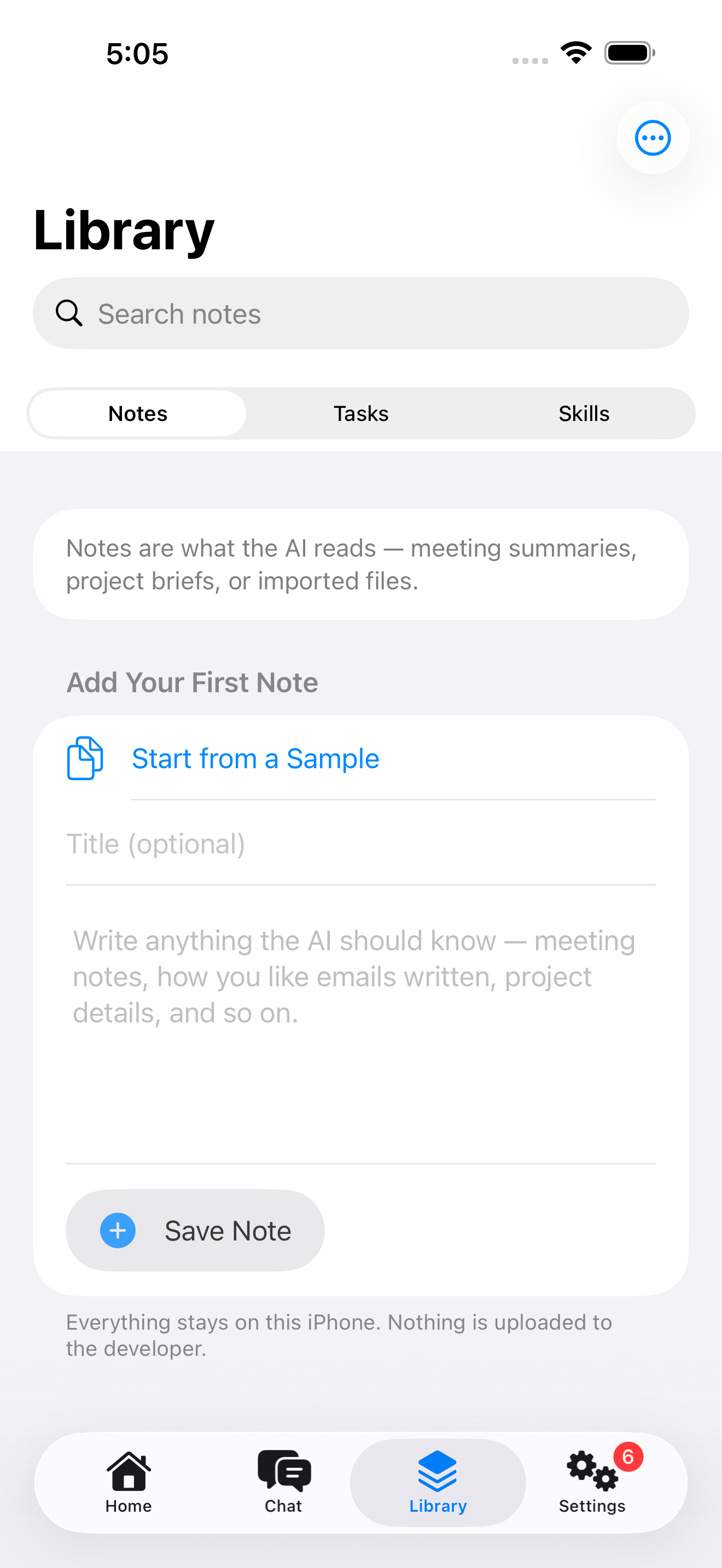
Library
Write or import context for your agents: notes, reusable prompts, and SKILL.md skills.
Connect Cursor, Claude Code, or Codex to the MCP server on your iPhone or iPad. Approve each client on-device, then serve only the context you choose over Wi-Fi.
Available now · Version 1.2 · $4.99 in the U.S.
One-time purchase. Requires iPhone or iPad with system version 26 or later. Apple Intelligence features depend on supported hardware, language, and region.
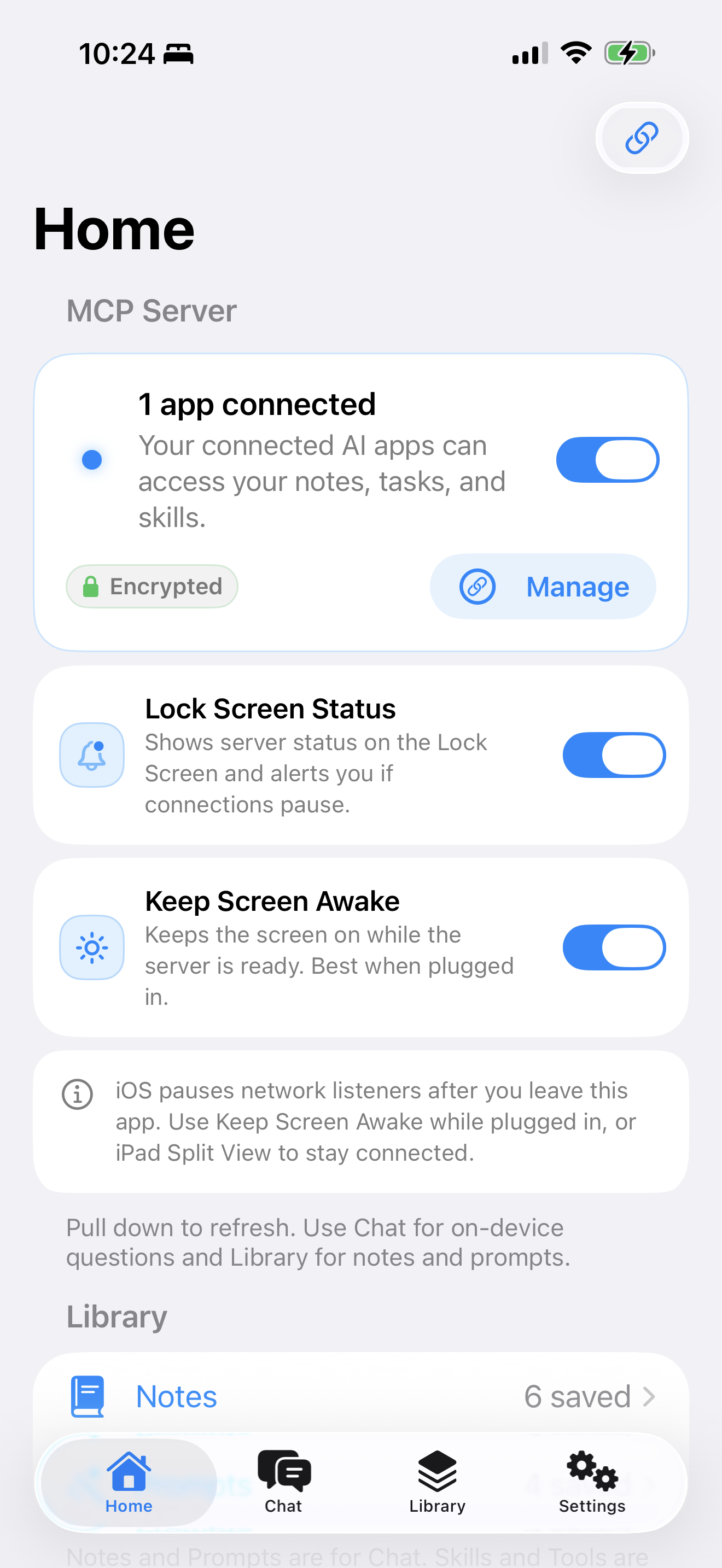
Keep AxisMCP open and your iPhone or iPad serves the local MCP endpoint over your local network.
New clients present a six-digit code on your computer. Approve it on your iPhone to connect. A connection password is available as a fallback.
Notes, prompts, and imported skills stay strictly on-device until explicitly exposed.
AxisMCP broadcasts via Bonjour _axismcp._tcp on your local network. Approve new clients with a six-digit pairing code on your device. A connection password is available as a fallback for clients that cannot show a code.
Manage your MCP context natively on-device. Control exactly what gets exposed over the network.
Write or import context for your agents: notes, reusable prompts, and SKILL.md skills.
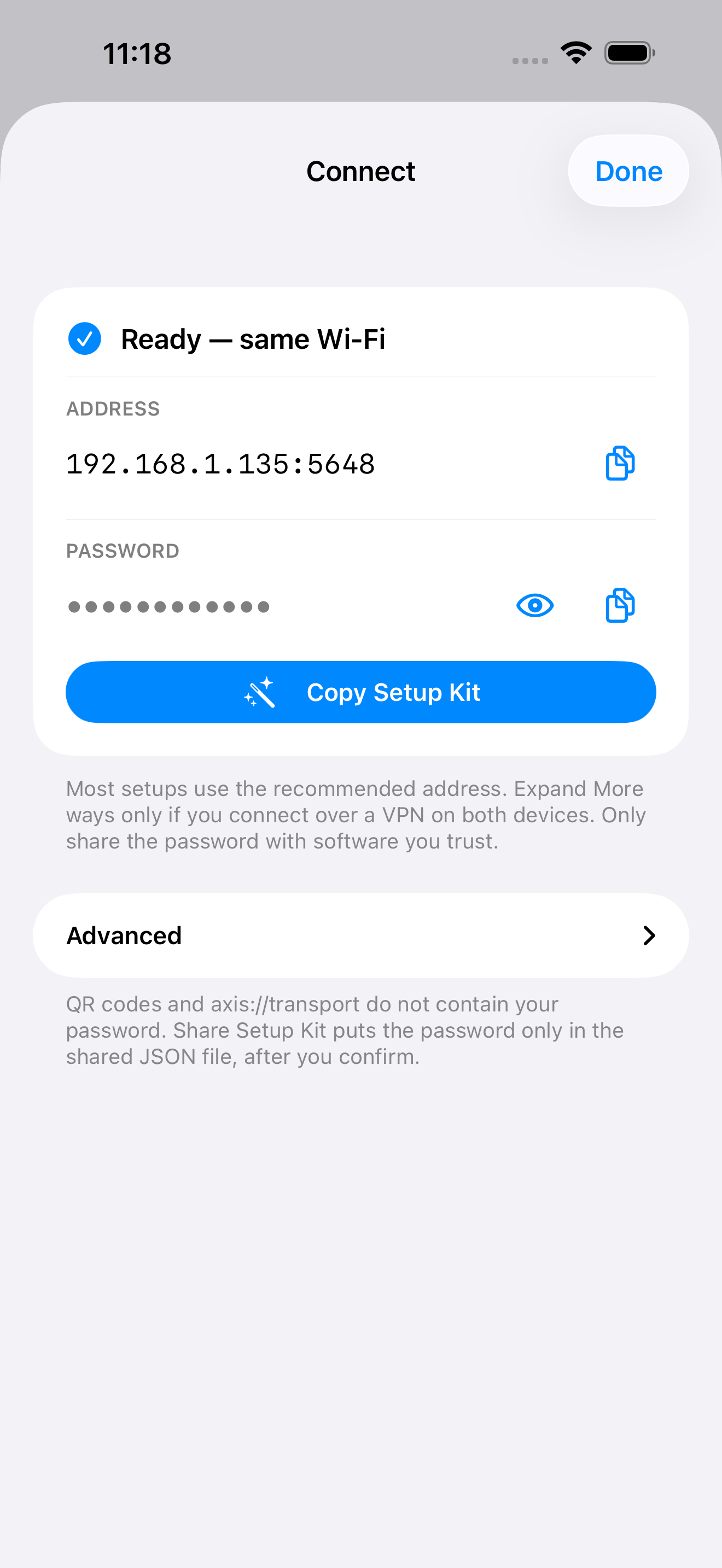
See live connections, manage per-app access, and approve new devices with a pairing code and Setup Kit.
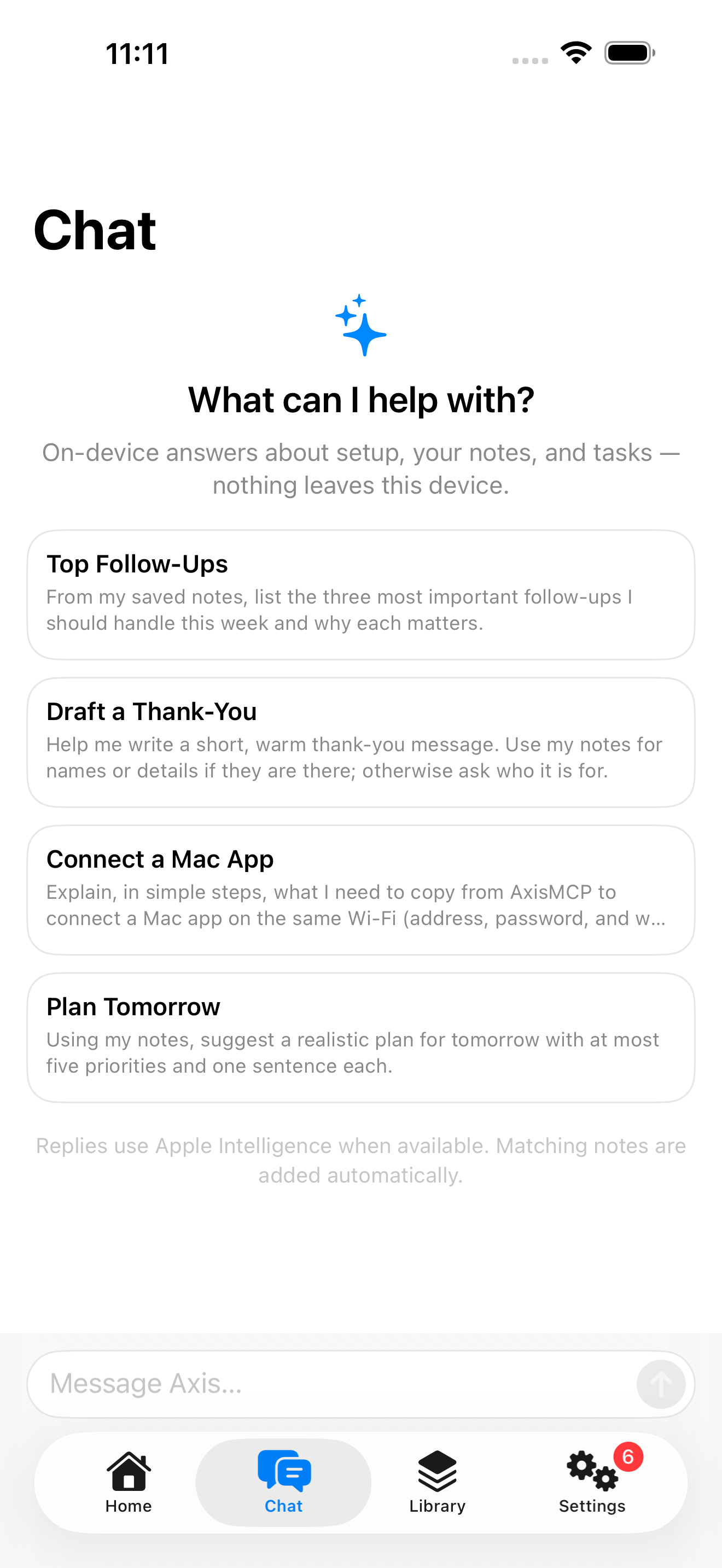
Ask questions grounded in your Library notes using on-device Apple Intelligence. No developer backend telemetry.
It provides a context source that lives beside your Mac, securely on your own hardware, bypassing hosted cloud accounts.
No. AxisMCP has no developer backend, no account system, and no analytics SDK. Trusted clients only receive the data you explicitly expose.
AxisMCP is designed for local network use. Tailscale or VPN paths work when intentionally configured, but we provide no public relays.
Start with Streamable HTTP for clients that support it, then reference the setup guide for client-specific configuration snippets.
Download AxisMCP, then connect Cursor, VS Code, Claude Code, or Codex over your local network.